
In part one we listed every plugin on wordpress.org with 100,000 or more active installs and no release in two years: nine plugins, 1.6 million installs. This is the second round, one step down the popularity ladder. We pulled the directory’s popularity data again on October 4, 2026, this time down to 50,000 installs, applied the same two conditions, and installed every plugin that met them on a WordPress 7.1.2 site to see what still works, what the support forum looks like, and what has quietly replaced each one.
The result is nineteen plugins with a combined 1.2 million active installs. Among them: the official plugin for a chat service that Meta switched off in 2024, a plugin whose only job WordPress core has done natively since 2020, a widget that executes PHP stored in your database, and a backup plugin whose new owner points its homepage at a competing product. Four have people offering in the support forum to take over maintenance; in three of them, nobody has answered.
What “abandoned” means here, and a correction to part one
Same definition as before, both conditions from wordpress.org’s own data: no release in 24 months or more, and the plugin page showing the directory’s yellow banner, “This plugin hasn’t been tested with the latest 3 major releases of WordPress.” A “release” is anything that changes the last-updated date, and that includes readme-only edits, so the bar is generous to the plugin. Every one of the nineteen clears it.

One correction. In part one we wrote that the directory API only exposes the top 500 plugins by popularity, and that the 100,000 to 200,000 band would be covered separately. That was wrong: paged at 100 results a time, the popularity listing runs through the whole directory. There are 466 plugins with 100,000 or more installs, and the nine in part one were all of the ones that met the two-year test. So part two is not the rest of the 100,000 band, which does not exist; it is the next band down. Between 50,000 and 99,999 installs there are 326 more plugins, and nineteen of them have had no release in two years.
The list at a glance
| Plugin | Active installs | Last release | Tested up to | Known vulnerabilities (WPScan) | Activates on 7.1.2? |
|---|---|---|---|---|---|
| Heartbeat Control (WP Rocket) | 70,000+ | August 2023 | 6.3 | None | Yes |
| Disable REST API | 80,000+ | September 2023 | 6.3 | None | Yes |
| BackUpWordPress | 80,000+ | April 2024 | 6.5 | Three, all patched | Yes |
| Title Remover | 70,000+ | June 2021 | 5.7 | None | Yes |
| PHP Code Widget | 70,000+ | March 2022 | 5.9 | None (by design it runs PHP from the database) | Yes |
| Facebook Chat Plugin (Meta) | 70,000+ | July 2022 | 5.9 | Two, both patched | Yes, but the service was shut down in 2024 |
| Fixed Widget and Sticky Elements | 70,000+ | March 2023 | 6.2 | None | Yes |
| Async JavaScript | 70,000+ | June 2023 | 6.2 | Two, both patched | Yes |
| Hotjar | 70,000+ | October 2023 | 6.0 | One, patched | Yes |
| WP Show Posts | 70,000+ | April 2024 | 6.1 | Three, all patched | Yes |
| Add From Server | 60,000+ | December 2020 | 5.5 | Two: one patched, one listed as unfixed (2020) | Yes |
| Easy Theme and Plugin Upgrades | 60,000+ | April 2022 | 5.7 | None | Yes (core does this since 5.5) |
| Column Shortcodes | 60,000+ | October 2022 | 6.0 | None | Yes |
| All In One Favicon | 60,000+ | August 2023 | 6.2 | One, patched | Yes |
| Brazilian Market on WooCommerce | 60,000+ | February 2024 | 6.4 | None | Yes |
| HTML Editor Syntax Highlighter | 60,000+ | March 2024 | 6.5 | None | Yes |
| Enhanced Media Library | 60,000+ | July 2024 | 6.5 | One, patched | Yes |
| Easy SSL Plugin for SAKURA Rental Server | 50,000+ | November 2019 | 5.3 | None | Yes |
| Contact Form 7 add confirm | 50,000+ | February 2018 | 4.9 | None | Only with Contact Form 7 active; without it, a fatal error on every page |
“Activates on 7.1.2” means exactly that: the plugin activated without a fatal error and its admin screen rendered on a current WordPress with PHP 8.3. It does not mean every feature works, and in one case the feature cannot work at all because the service behind it no longer exists. Vulnerability data is from WPScan as of the same day.
The list
1. Heartbeat Control by WP Rocket, 70,000+ installs
Slows down or stops the WordPress Heartbeat API, the background request wp-admin sends every 15 to 60 seconds for autosave, post locking and session checks. Last release 2.0.1 in August 2023, tested up to 6.3, and it still declares PHP 5.3 as its minimum. When a user asked in September 2025 whether it was abandoned, WP Media told them by e-mail that it was not, and that the Heartbeat API is simply stable and needs little maintenance. That is a fair point about the API. It does not explain the support threads about PHP notices from December 2025 that nobody has answered, or the one titled “Plugin Flagged Abandoned”.
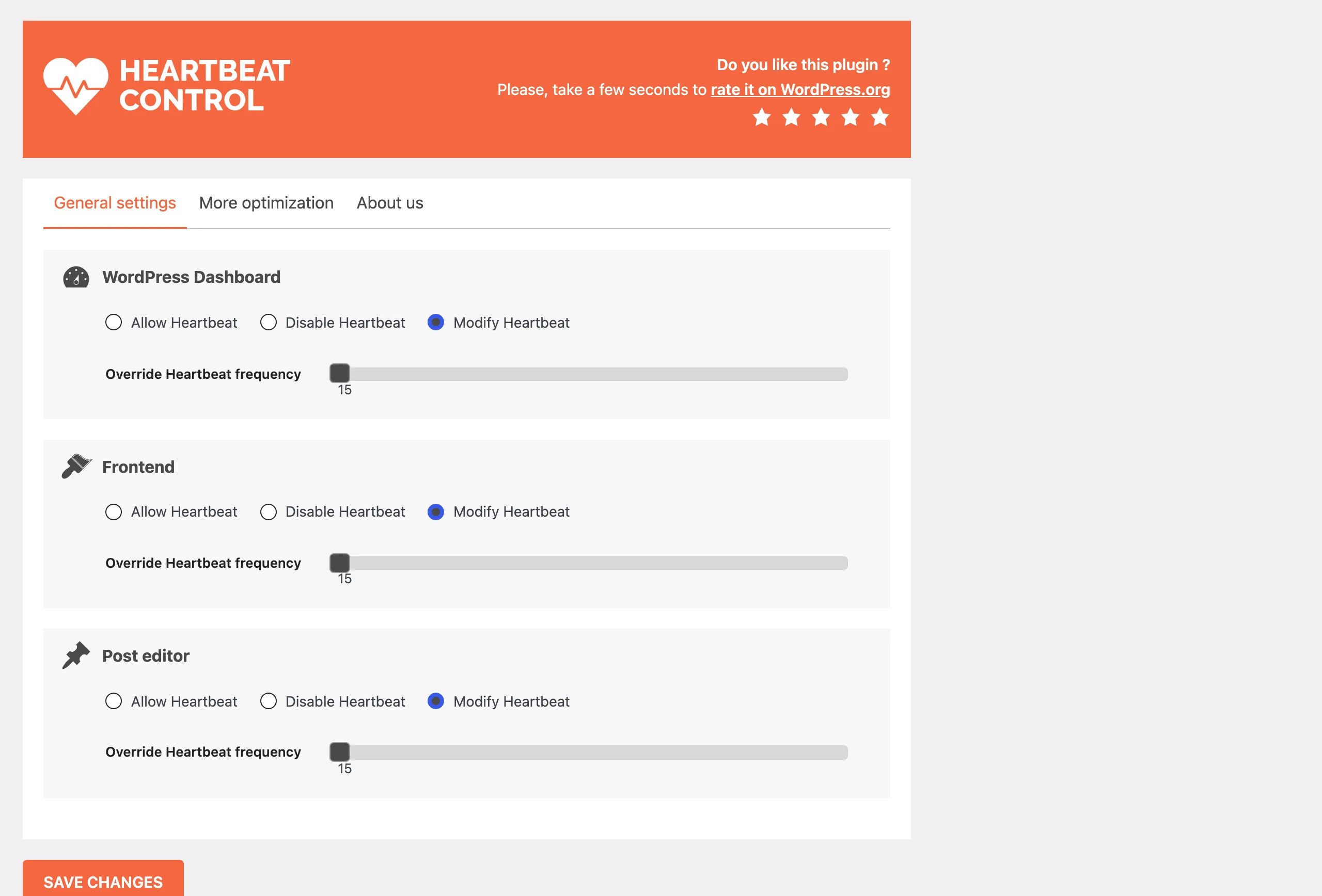
Use instead: on most sites, nothing. The Heartbeat load problem this plugin was written for in 2014 belongs to an era of shared hosts with CPU quotas, and modern WordPress already throttles the interval when a tab is idle. If you do need it, WP Rocket itself has the same control built in, and so does Perfmatters. Otherwise it is a five-line snippet on the heartbeat_settings filter, which is a better home for it than an unmaintained plugin.
2. Disable REST API, 80,000+ installs
Blocks the REST API for visitors who are not logged in, with a per-endpoint allow list. Last release 1.8 in September 2023, tested up to 6.3. The support forum’s most recent threads, from 2024 and early 2025, ask for whitelist features and report that the plugin does not block some third-party endpoints; none has a reply. The plugin still works as described, but its premise has aged: WordPress, WooCommerce and most page builders now depend on the REST API for logged-in work, and the block editor cannot save without it, which is why the plugin ships with a long list of exceptions you have to maintain by hand every time you install something.
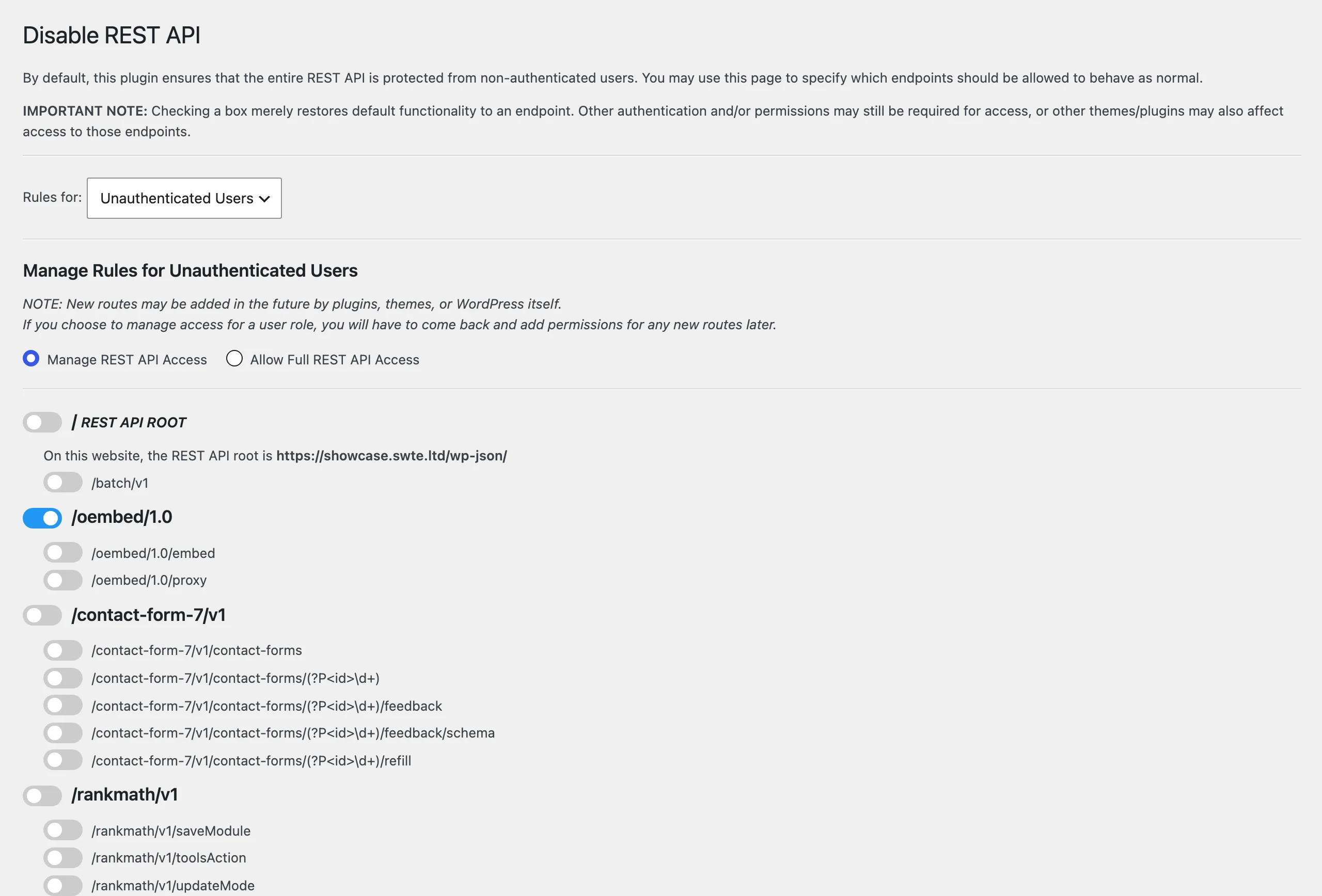
Use instead: if the goal is stopping user enumeration through /wp-json/wp/v2/users, a maintained plugin like Jeff Starr’s Disable WP REST API (updated August 2026) does the same with less to babysit. If the goal is security in general, the REST API is not where WordPress sites get compromised; plugin vulnerabilities are, and a firewall that judges what a request does rather than which URL it hits is the layer that helps there.
3. BackUpWordPress, 80,000+ installs
One of the oldest backup plugins in the directory, listed since 2007, built by Human Made and later sold. Last release 3.14 in April 2024, and that release was a security fix for a directory traversal, not a feature. The plugin description opens with “now under new ownership” and promises “occasional updates”; the plugin’s homepage link on wordpress.org points to updraftplus.com with an affiliate parameter. In June 2026 a user asked directly whether maintenance would continue or the plugin should be considered permanently abandoned. No reply. An earlier thread reports failures on PHP 8.4.
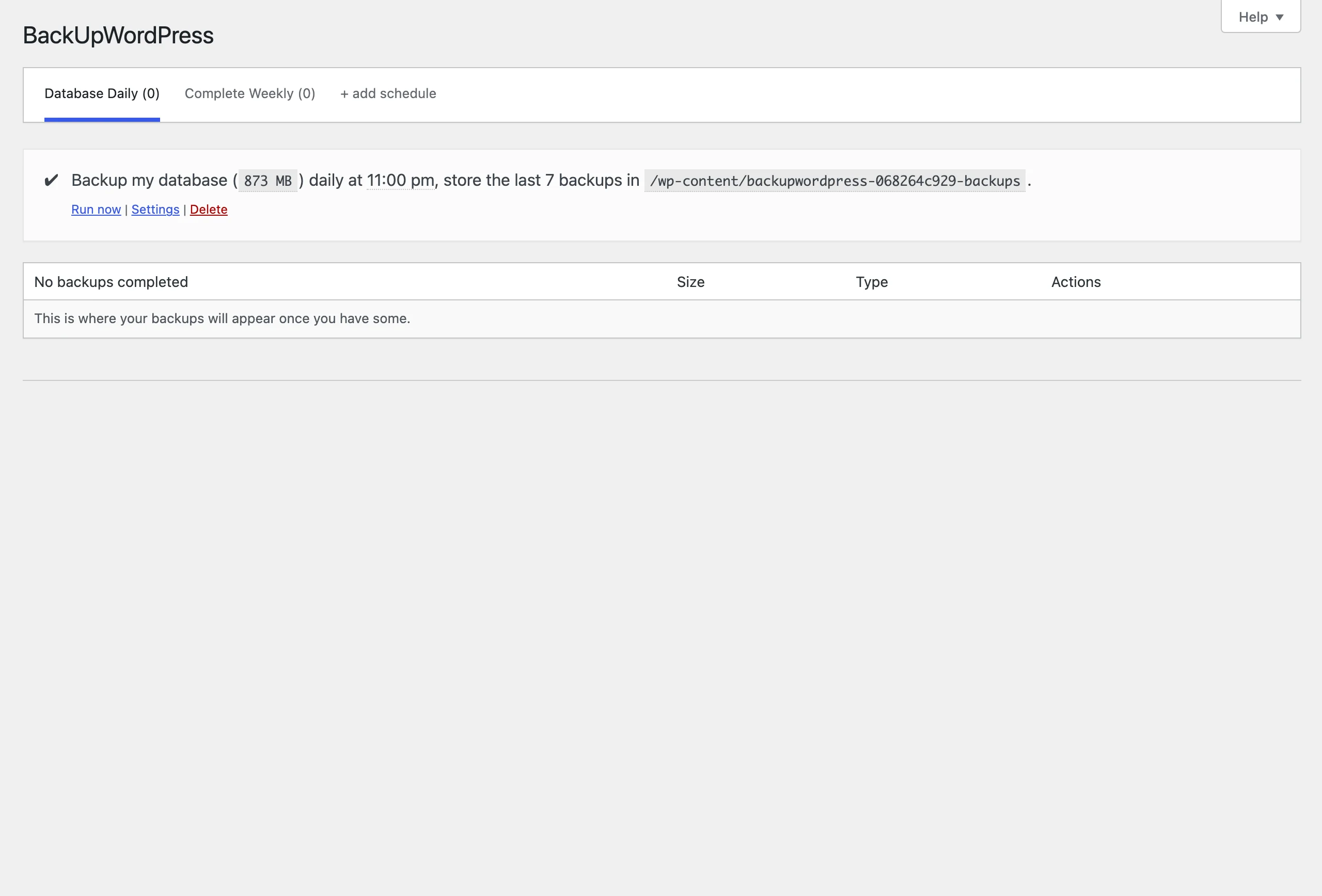
Use instead: a backup plugin is the one category where “still works” is not good enough, because you only find out it did not on the day you need the restore. The owner’s own answer is UpdraftPlus. Any maintained plugin that stores backups off-site and lets you test a restore will do, including our own; what matters is that somebody is still answering the forum when a restore fails.
4. Title Remover, 70,000+ installs
Adds a checkbox to the post editor that hides the title on the front end. Four releases in its whole life, the last one 1.2.1 in June 2021, tested up to 5.7. In February 2026 a developer posted “Interested in adopting and maintaining Title Remover” in the support forum. Nearly eight months later there is no answer, which under wordpress.org’s rules is the first step towards the plugin being handed over anyway. Meanwhile, users report it breaks Breadcrumb NavXT and throws PHP errors.

Use instead: on a block theme, edit the template and remove the Title block, which is what the checkbox was simulating. On a classic theme, Hide Page And Post Title does the same job and was updated in September 2026.
5. PHP Code Widget, 70,000+ installs
A text widget that executes any PHP you type into it. Written by Samuel “Otto” Wood in 2008, last release 2.4 in March 2022, tested up to 5.9. The author is unusually honest about it: the 2.4 changelog reads “Please consider ceasing usage of this widget on modern sites. Switch to block based themes, or use purpose specific plugins to solve your needs instead of storing PHP code in the database”, and the description says the plugin “should not be used long term”. The security problem is structural, not a bug: anybody who can edit widgets can run arbitrary code on your server, and that code lives in a database row that an SQL injection in any other plugin can write to. It is the textbook case of why code and data should not share a home.
Use instead: whatever the PHP was doing, do it in a file. A template part in a block theme, a small custom plugin, or a snippet manager such as Code Snippets or WPCode that outputs through a shortcode. Then remove this one.
6. Facebook Chat Plugin by Meta, 70,000+ installs
The official plugin that put a Messenger chat bubble on your site. Last release 2.5 in July 2022, tested up to 5.9. Then, on May 9, 2024, Meta discontinued the Chat Plugin itself: the embedded widget stopped working for every website, and the only thing Meta still supports is an m.me link that sends the visitor to Messenger. The WordPress plugin was never updated to say so. It still installs, still activates, still shows a settings page that connects to your Facebook Page, and 70,000 sites still have it. The forum thread “Was working, now missing” from late 2025 has no reply, because there is nothing to reply.
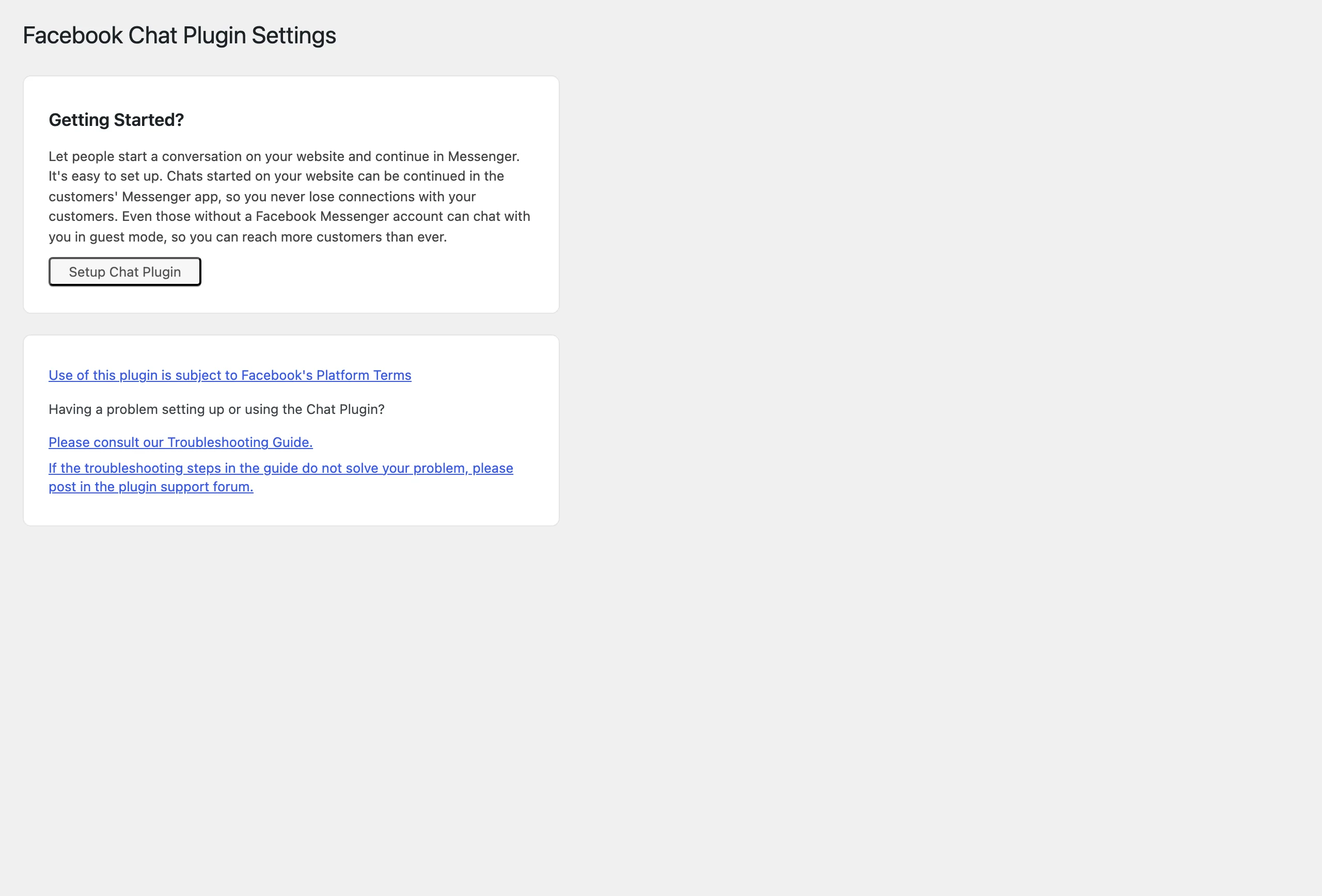
Use instead: a Messenger button that opens an m.me link, which any floating-contact plugin such as Chaty can draw, or a real live-chat product if you want the conversation to happen on your page. Either way, delete this one; it is loading nothing but its own settings.
7. Fixed Widget and Sticky Elements, 70,000+ installs
Makes a sidebar widget stay on screen while the page scrolls, mostly used to keep an ad in view. Started in 2012 as “Q2W3 Fixed Widget”, taken over by Advanced Ads, and now listed under MonetizeMore, which bought Advanced Ads in 2023. Last release 6.2.3 in March 2023, tested up to 6.2. “Plugin still maintained?” was asked in April 2025 and has no reply; the pinned “please read before posting” thread is from 2022.
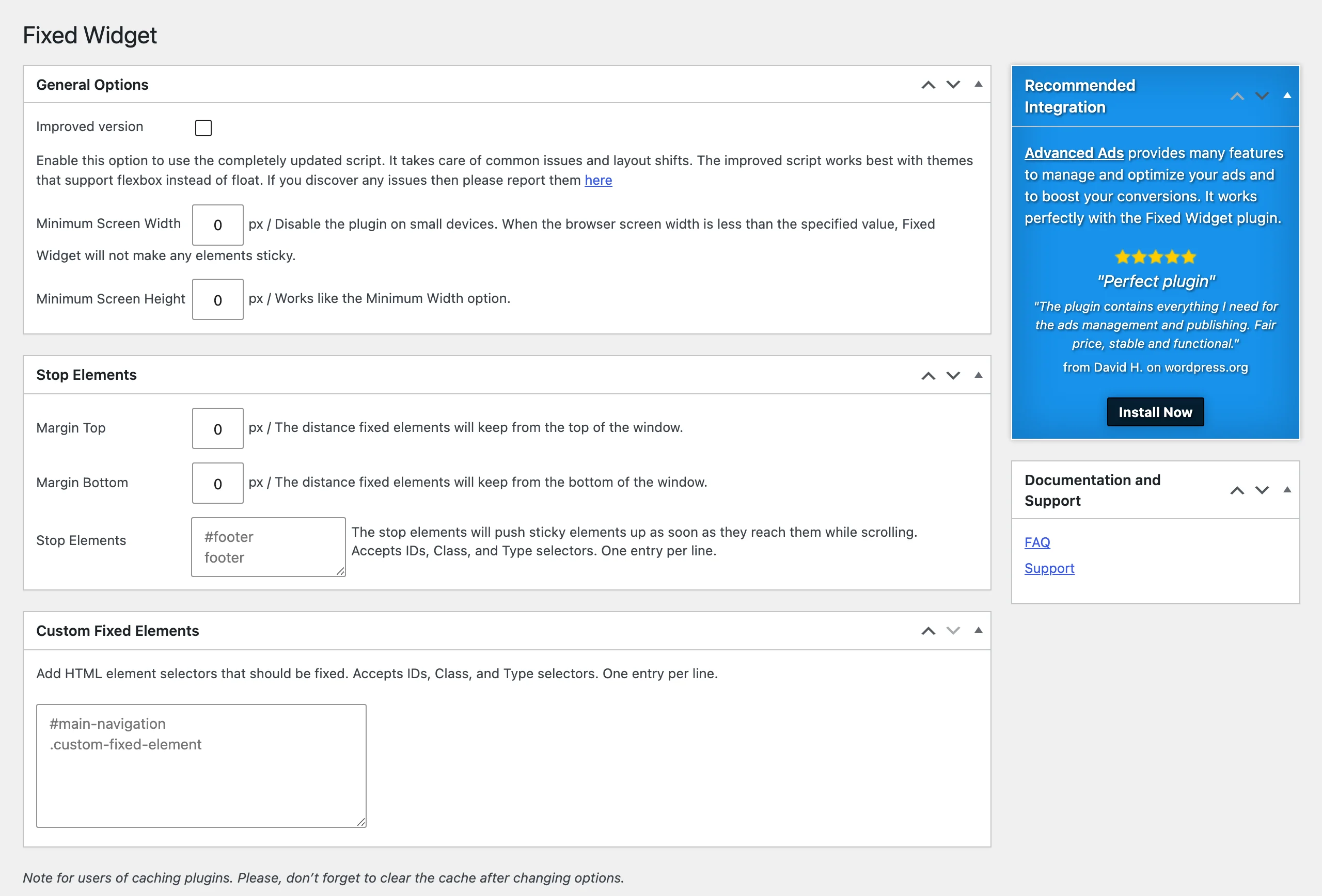
Use instead: since WordPress 6.2 a top-level Group block has a Position setting with “Sticky” as an option, no plugin required. On a classic theme with widget areas, the plugin still does what it says, and a plugin that only adds a CSS position rule is a low-risk thing to keep. Just do not expect a fix when a theme update breaks the offset calculation.
8. Async JavaScript, 70,000+ installs
Adds async or defer to script tags to remove render-blocking JavaScript. Last release in June 2023, tested up to 6.2. This one comes with an unusually clear statement from its maintainer. In a 2025 thread titled “Listed by WordPress as No Longer Maintained”, Frank Goossens of Optimizing Matters, who also makes Autoptimize, answered the request for an alternative with his other plugin: “Autoptimize can defer all JS and when doing so can also defer inline JS, to lessen the chances of something breaking”, and later, “if you have AO configured correctly, there is nothing AsyncJS (which does not act on CSS) can do to improve your site’s performance more.” That is the author telling you which of his plugins to keep.
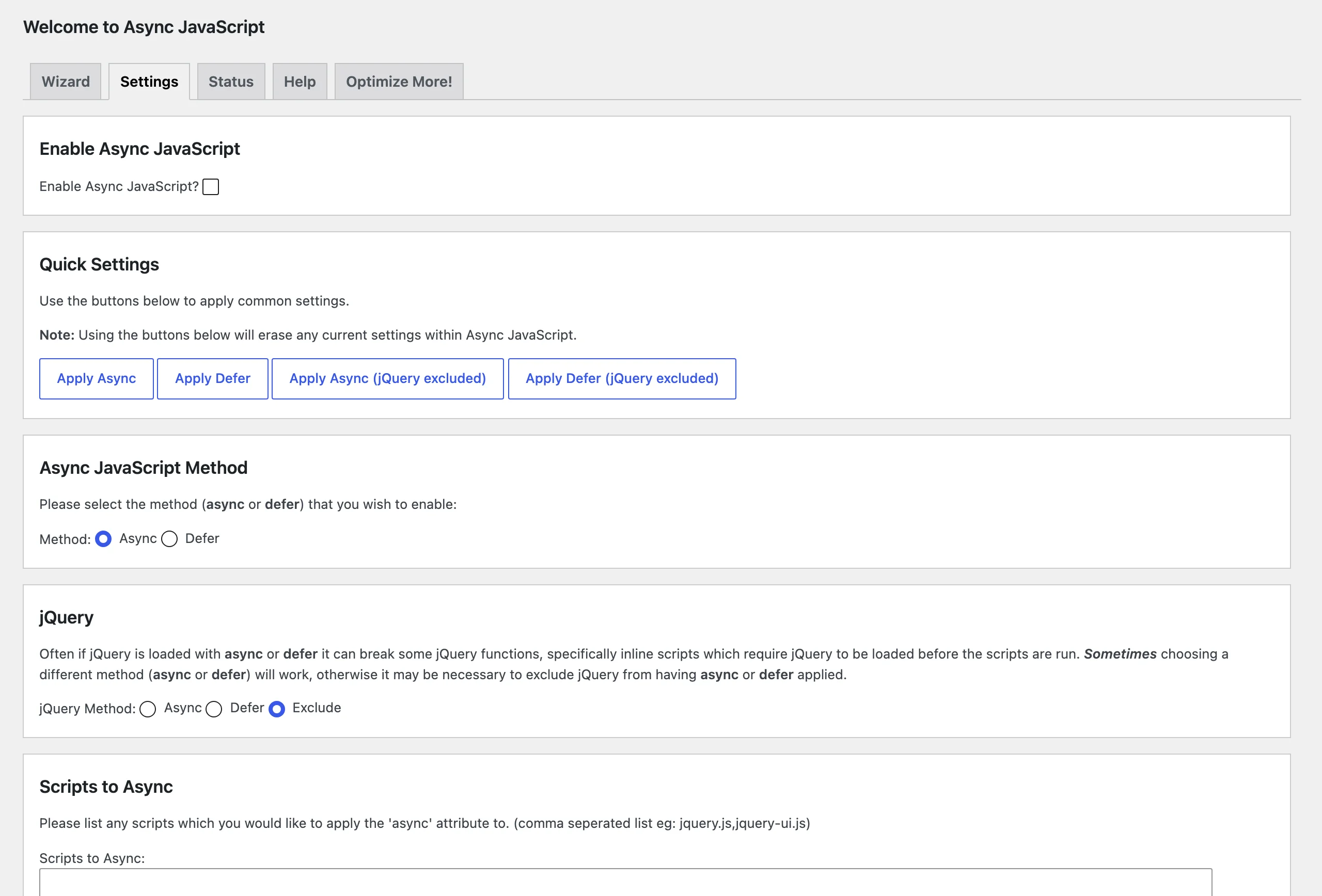
Use instead: Autoptimize, as the author says, or any maintained performance plugin that handles script deferral as part of the whole picture rather than as a separate switch; Swift Performance AI is ours. Running Async JavaScript next to one of those is a recipe for two plugins fighting over the same script tags.
9. Hotjar, 70,000+ installs
The official Hotjar plugin, which does one thing: it prints the Hotjar tracking snippet with your site ID. Last release 1.0.16 in October 2023, and that release was a fix for a stored XSS. Tested up to 6.0, a value from 2022, from a company that is still very much in business. The two most recent forum threads are both titled “This plugin has not been tested with your current version of WordPress.” Because the plugin is so small, it will probably keep working for years. Because it is official, it will keep getting installed.
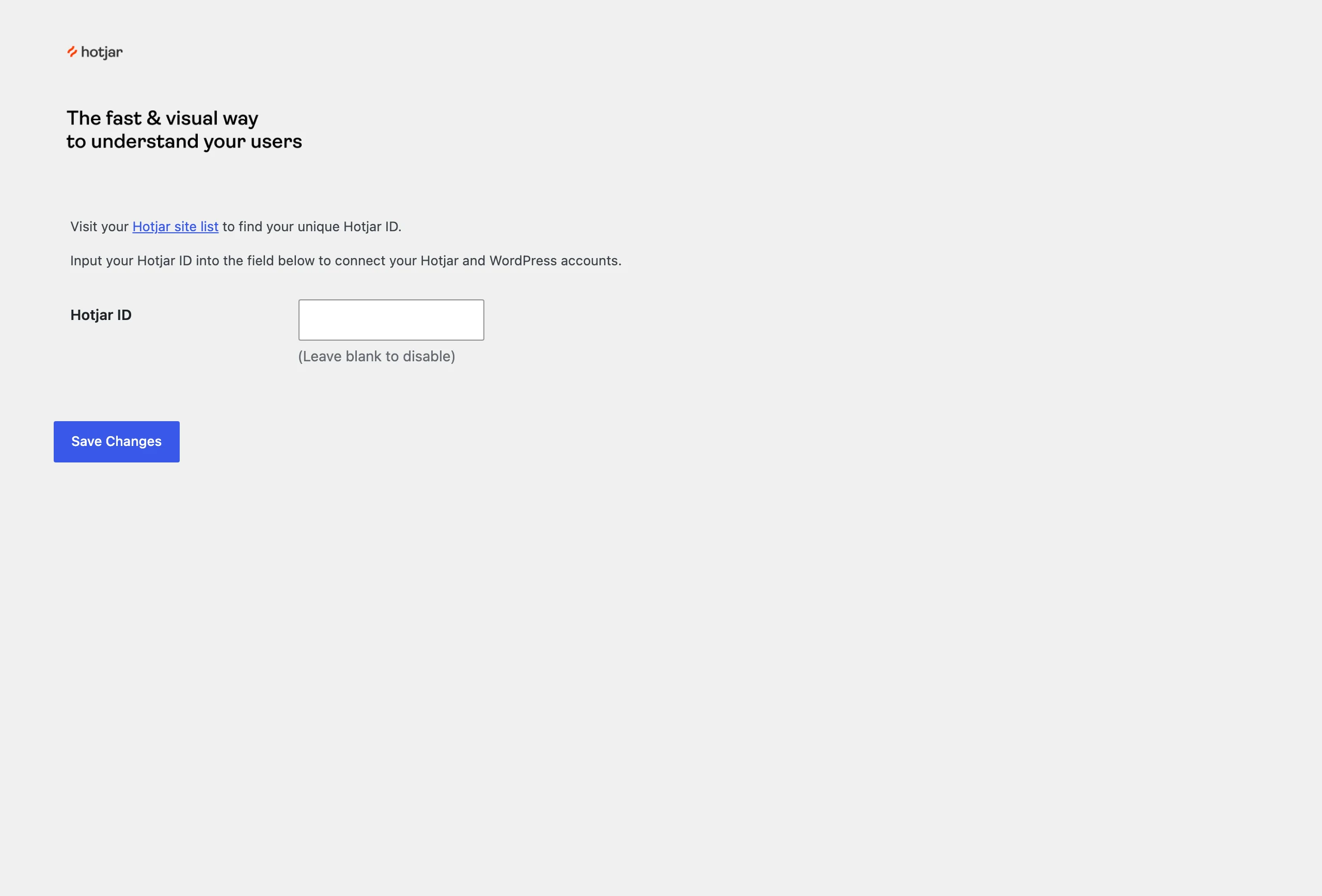
Use instead: the same snippet, pasted into whatever you already use for header scripts: your tag manager, your theme’s header settings, or WPCode. A tracking snippet does not need a plugin of its own, least of all one nobody tests.
10. WP Show Posts, 70,000+ installs
A shortcode-based post list builder by Tom Usborne, the developer of GeneratePress. This is abandonment done properly. The description opens with “This plugin is only receiving security updates at this time. Check out our GenerateBlocks plugin for a more modern solution.” The last three releases, from January 2023 to April 2024, are all security fixes for reported issues (a stored XSS, two information-exposure bugs). Tested up to 6.1 nonetheless, and “Is this plugin abandoned?” from April 2026 has no reply.
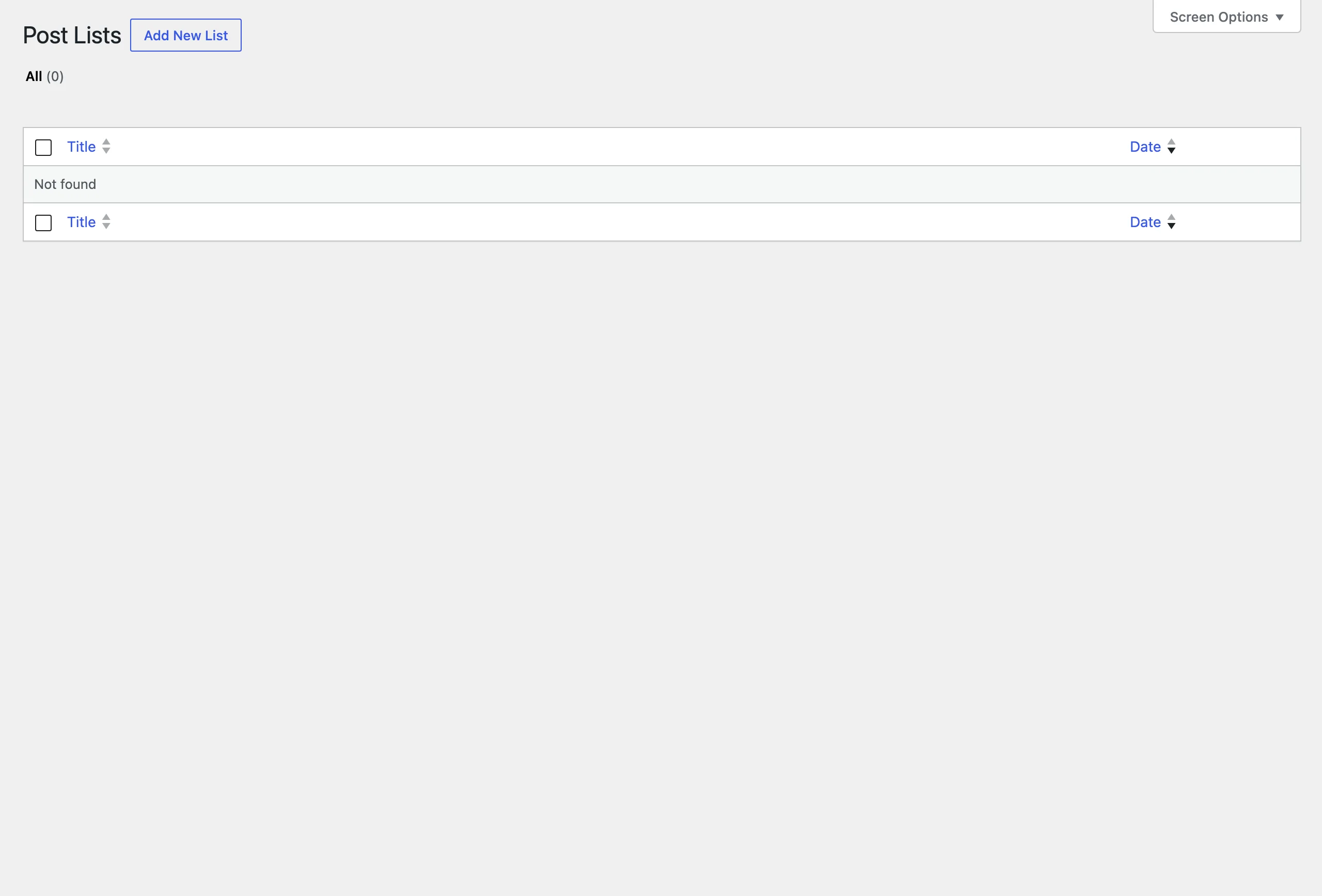
Use instead: the core Query Loop block does most of what the shortcode did, and GenerateBlocks does the rest, from the same author. Rebuild the lists as blocks, then remove the shortcodes; a leftover [wp_show_posts] shows as plain text once the plugin is gone.
11. Add From Server, 60,000+ installs
Imports files already on the server into the media library, for the case where FTP works and the upload form does not. By Dion Hulse, a WordPress core lead developer. Last release 3.4.5 in December 2020, tested up to 5.5; the description says “This plugin offers limited support. Please do not expect new features or too many bugfixes. Features may be removed at any time.” WPScan still lists a 2020 authenticated path traversal (CVSS 7.7) as having no known fix. That entry predates the 3.4 series, which reworked how the root path is handled, so treat it as a question rather than a verdict. To the author’s credit, he answered a “happy to help with ongoing maintenance” thread in February 2026, which is more than most on this list managed.
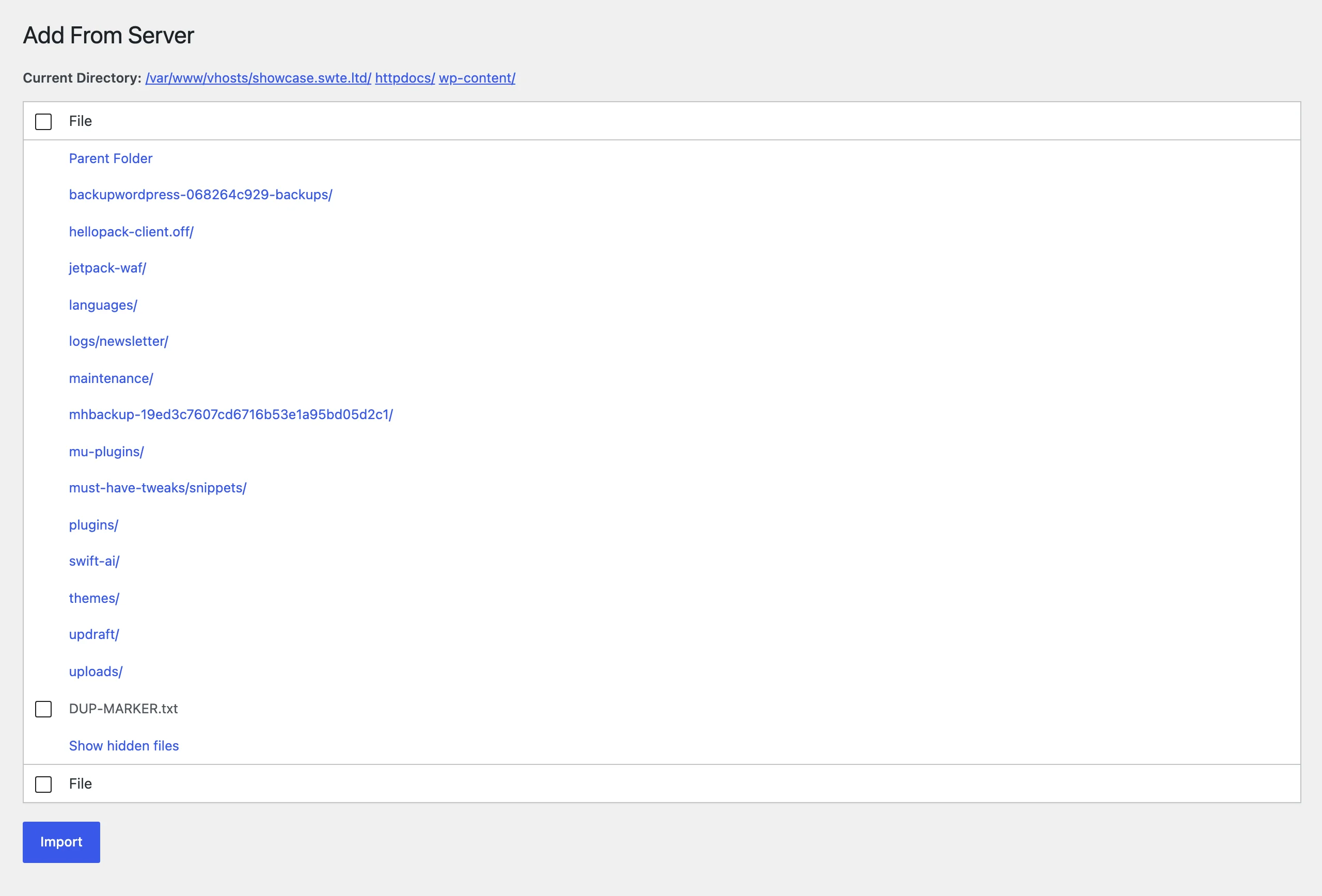
Use instead: if you have shell access, wp media import does the same thing from the command line with nothing installed. If you need it in wp-admin, Media Sync is maintained and was updated in August 2026. A plugin that browses the server’s filesystem from wp-admin is exactly the kind you do not want sitting unmaintained.
12. Easy Theme and Plugin Upgrades, 60,000+ installs
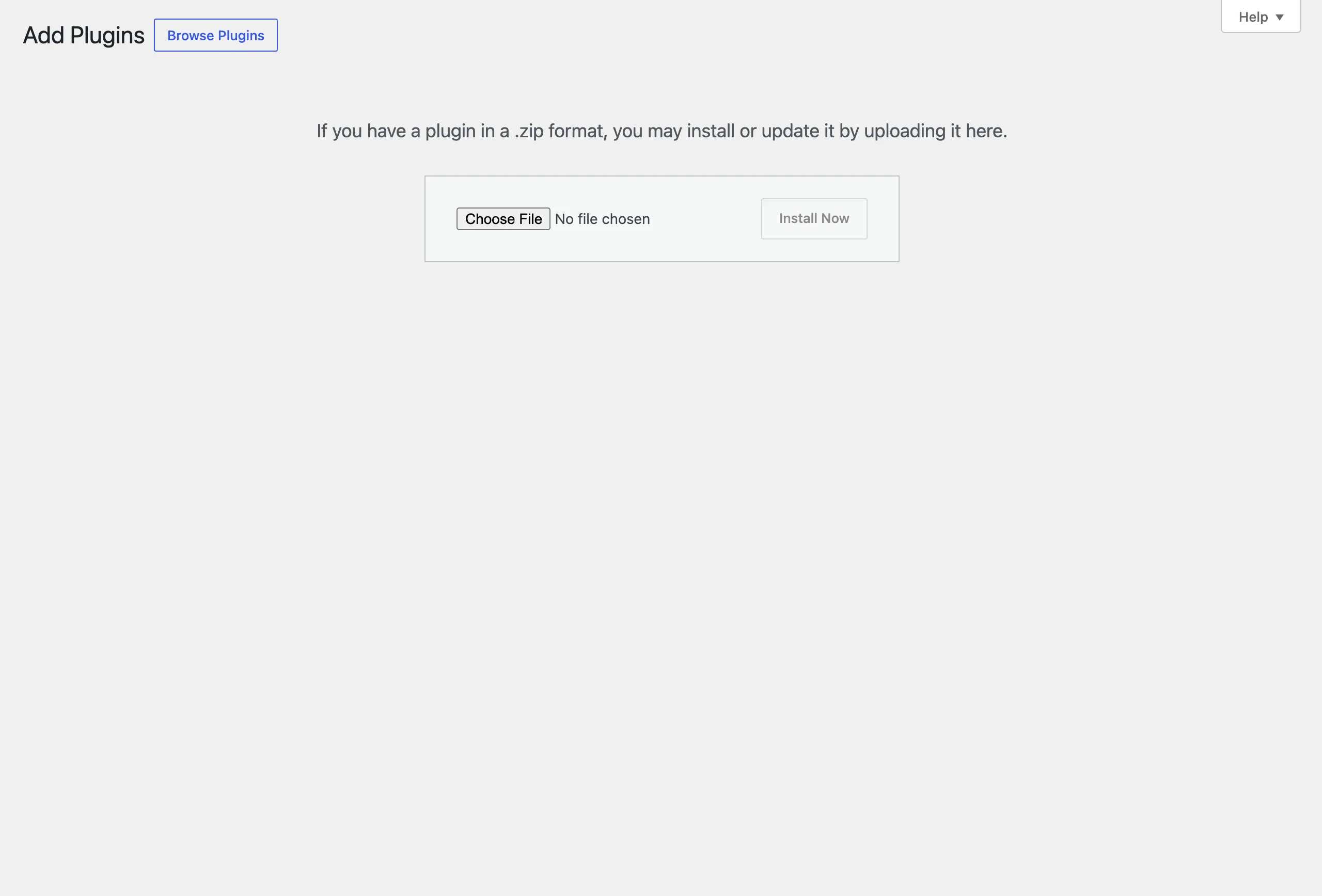
Lets you update a plugin or theme by uploading a zip over the existing version, instead of WordPress refusing with “destination already exists”. That was a real gap in 2011. WordPress 5.5, released in August 2020, closed it: upload a zip of something already installed and core offers “Replace current with uploaded”. The plugin’s last release, 2.0.2 in April 2022, is described in its own changelog as “Version bump to show that this project is still active. No code changes are needed for functionality to continue.” Since then, a user has offered $50 for an update; Wordfence users had already reported it flagged as abandoned in 2018 and 2021. On our 7.1.2 install, the page the plugin modifies now says, in core’s own words, “you may install or update it by uploading it here.”
Use instead: nothing. Delete it.
13. All In One Favicon, 60,000+ installs
Uploads a favicon and prints the link tags for it. WordPress has had this built in as the Site Icon since version 4.3 in 2015. The plugin’s last two releases were both security fixes: 4.7 in 2018 for stored XSS, and 4.8 in August 2023 for a file deletion vulnerability, four months after a user had posted a thread titled “CRITICAL > Security Threat | Plugin abandoned?”. Tested up to 6.2. The most recent thread offers a PHP 8.2 compatibility patch. Nobody has picked it up.
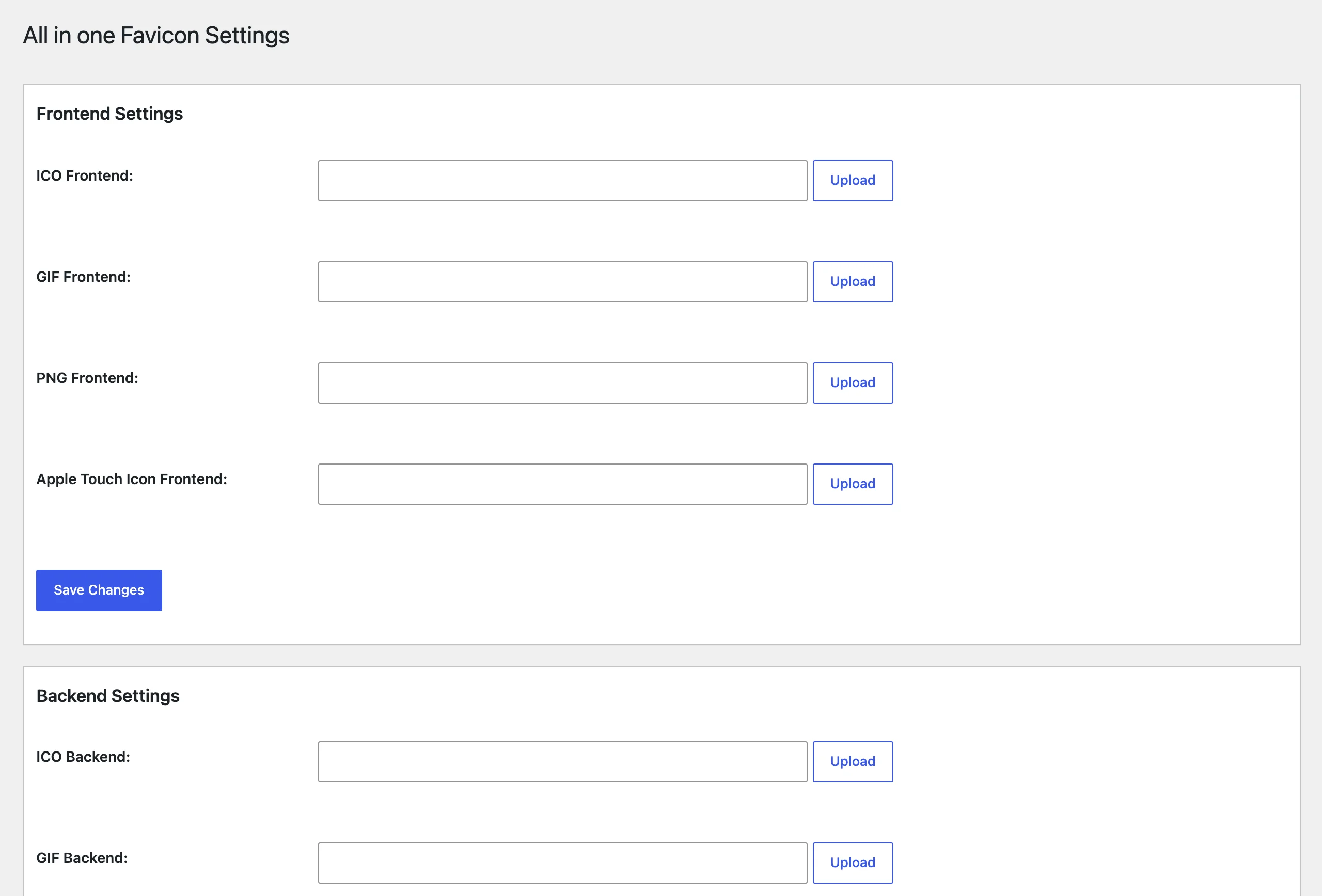
Use instead: Appearance, Customize, Site Identity, Site Icon on a classic theme, or the Site Logo and Site Icon settings in the Site Editor on a block theme. Upload a 512-pixel PNG once and WordPress generates every size.
14. Enhanced Media Library, 60,000+ installs
Adds categories and taxonomies to the media library, with a paid PRO version. Last release 2.9.4 in July 2024, tested up to 6.5, the youngest plugin on this list and the one with the busiest forum. In 2025 a support moderator was involved in a thread titled “Plugin abandoned — PRO version crashes admin, no support”. In August 2026 a developer posted “Anyone home? Offering to take over maintenance”, saying they had a 2.9.5 build ready that fixes a security issue in the network settings handler, and that they would go through the wordpress.org adoption process if nobody answered. Nobody answered. The same month, someone else offered to buy the plugin outright. And since July: “Layout Issues in WP 7”.
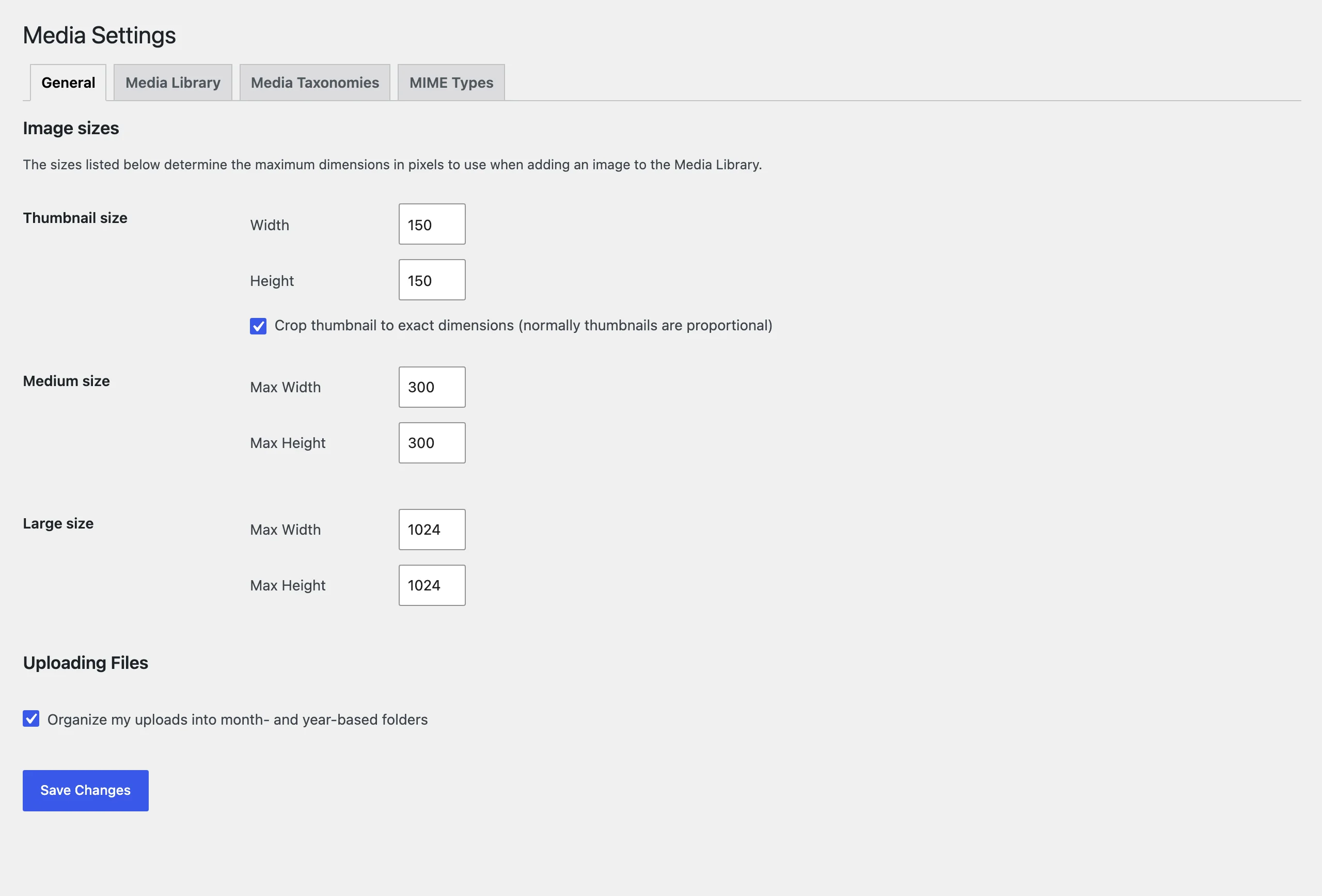
Use instead: FileBird or Real Media Library for folders, Media Library Assistant if you actually want taxonomies on attachments. All three were updated in August or September 2026. Migrating the terms takes an afternoon; it is still cheaper than the day the PRO version stops loading.
Five more, briefly
- Column Shortcodes, 60,000+ installs. Shortcodes for columns in the classic editor, last release October 2022, tested up to 6.0. The Columns block replaced it in 2018. Do not simply delete it: every
[one_half]in an old post turns into visible text. Convert the posts first. - Brazilian Market on WooCommerce, 60,000+ installs. Adds CPF, CNPJ and address fields for Brazilian checkouts. Last release February 2024, tested up to 6.4, and the only plugin here whose forum is still alive, because Brazilian developers answer each other’s questions in it. It is on the list by the numbers, but a regional plugin with an active community is a different case from the rest of this page.
- HTML Editor Syntax Highlighter, 60,000+ installs. Syntax colouring for the classic editor’s text tab. Last release March 2024, tested up to 6.5. A thread titled “This plugin is unmaintained” is three years old. Core’s own theme and plugin editors have had CodeMirror highlighting since 4.9, and the block editor’s code view is where the rest of the work moved.
- Easy SSL Plugin for SAKURA Rental Server, 50,000+ installs. A one-click HTTPS switch from Sakura Internet, meant only for customers of its Japanese shared hosting; the description warns that enabling it anywhere else makes the site unreachable. It rewrites .htaccess to redirect to https and replaces http with https in post content and the site address. Last release 1.4.0 in November 2019, tested up to 5.3, and its support forum has no threads at all. WordPress 5.7 added a one-click switch to HTTPS to Site Health in 2021, and the redirect belongs in the server configuration anyway.
- Contact Form 7 add confirm, 50,000+ installs. Adds a confirmation screen to Contact Form 7 forms, mostly on Japanese sites. Last release 5.1 in February 2018, tested up to 4.9, the oldest release on this list. Two developers offered to adopt it in July and August 2026, both saying the confirmation step no longer works with current versions of Contact Form 7; neither has had a reply. On 7.1.2 it activates next to Contact Form 7, but activated without it, it takes down every page of the site with a fatal error, wp-admin included.
How to check your own site
The method is in part one: WordPress does not show “last updated” or “tested up to” in wp-admin, but the directory API answers for any slug, and Site Health lists the slugs. Anything with a release date more than two years back or a “tested” value below 6.9 gets three questions: is there an open advisory for it, does core do this now, and is anyone answering the forum. Two “no” answers and it goes.
If you keep one on purpose, and this list has a few worth keeping, keep it knowingly: a plugin with a vulnerability feed watching it, and a note in your own records of why it is there. What you should not do is what 1.2 million installs are doing right now, which is nothing, because nothing on the Plugins screen told them to.
The takeaway
Nineteen plugins, 1.2 million installs, and the pattern from part one holds one step down: a real problem, a maintainer who moved on, and a directory that keeps serving the plugin because closing it would break sites. Five of the nineteen have been made redundant by WordPress itself (zip updates, site icons, sticky blocks, columns, editor highlighting). Two have been made redundant by their own authors, who now recommend a different plugin of theirs. One serves a product that was shut down two years ago. And four have people standing in the support forum offering to maintain them, which is the part that should bother everyone: the demand is there, the volunteers are there, and the plugins are still going nowhere.