

WordPress 7.2, now in beta, ships a feature that switches itself on for every site the moment it updates: random content redirects. Open example.com/random/ and WordPress sends you to a randomly picked published post. The core team introduced it in the developer note Your Content Is Going To Get More Random.
What it adds to your site
/random/redirects to a random post./random/category/news/or/random/tag/coffee/picks one from a category or tag./random/author/jane/picks one written by that author./random/<post-type>/works for custom post types that have an archive.- Adding
?randomto an archive or search URL, like/2026/?randomor/?s=coffee&random, does the same.
Settings › Permalinks also gets a new Random base field, so you can rename /random/. What you will not find there is a checkbox to turn the whole thing off.
Why on by default is the wrong default
On a personal blog, a “surprise me” link is a nice touch. On most WordPress sites (webshops, company sites, documentation, membership sites) it is a set of public URLs nobody asked for, and they come with two side effects.
It confirms author names, even if you hid them
Many site owners turn off author archives so that /author/admin/ does not give away who can log in. The new URLs do not respect that. We tested WordPress 7.2 beta 4 with author archives disabled: /author/admin/ returned a 404, but /random/author/admin/ still redirected to a post, while a made-up name returned a 404. That is enough to tell which author names exist, and the author slug is often the same as the login name.
Every visit is a fresh database query
WordPress picks the post with ORDER BY RAND(). On a blog with a few hundred posts that costs nothing. On a site with tens of thousands of posts, MySQL has to go through every matching post to pick one, and since the URL exists on every WordPress 7.2 site, any bot can request it as often as it likes. A feature like this should be something you switch on, not something you have to know about to switch off.
Turning it off with code
Core has a filter for it. Add this line to a small plugin or a mu-plugin:
add_filter( 'wp_enable_random_content_redirect', '__return_false' );The random URLs are stored in the cached rewrite rules, so after adding the filter, open Settings › Permalinks and click Save Changes once to rebuild them.
Turning it off in Must-Have Tweaks
If you use Must-Have Tweaks, version 1.0.3 adds a switch for it under Tools › Must-Have Tweaks › Performance: Disable Random Content Redirects.
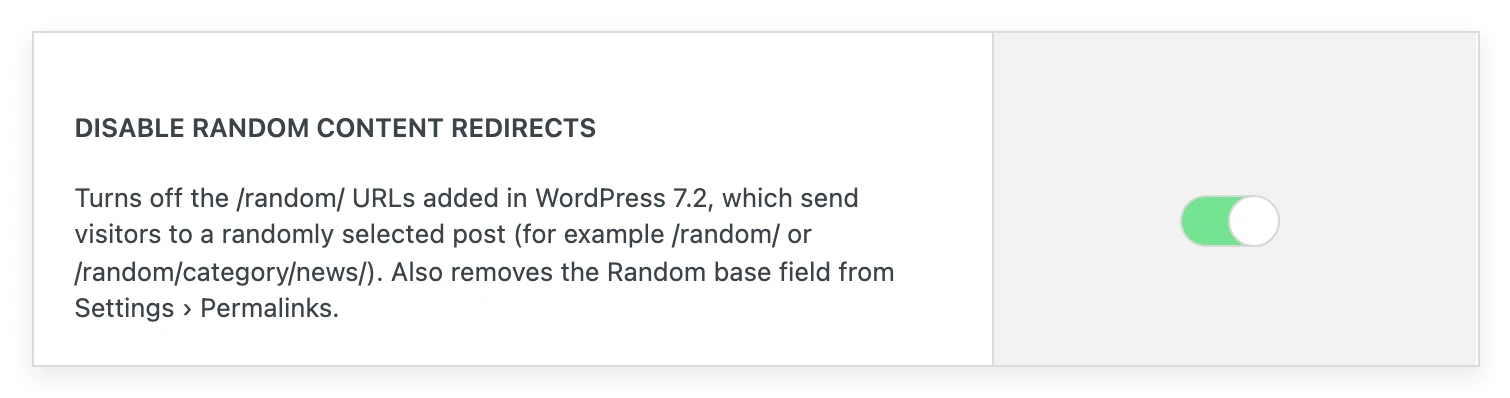
Turn it on and Tweaks applies the same core filter, rebuilds the rewrite rules for you, and the Random base field disappears from Settings › Permalinks. On WordPress versions before 7.2 the switch has nothing to turn off, so you can enable it now and be ready when the update arrives. If you have disabled author archives to keep usernames private, turn this one on as well.
Must-Have Tweaks collects switches like this one in a single plugin, from disabling XML-RPC and author archives to login protection and code snippets. See what else it can do.