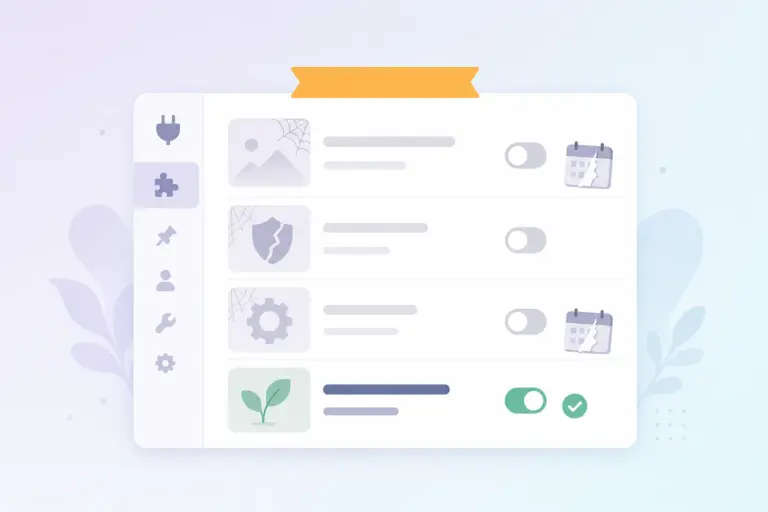

Most WordPress sites do not become complex because of one large plugin.
They become complex because of many small ones.
One plugin for temporary users, another for user switching, one for mail logs, one for cron debugging, another for public previews, one for role management.
Individually, they all make sense. Together, they create a system that is harder to maintain, harder to debug, and increasingly fragmented.
Must-Have Tweaks was built to solve exactly this problem.
Not Just Another Tweak Plugin
At first glance, Must-Have Tweaks might look like a “collection of small features” plugin. In reality, it is much closer to a WordPress operations toolkit.
It does not focus on a single problem. Instead, it brings together the small but critical tools you use every day when managing a WordPress site.
That is the difference between a feature list and real workflow optimization.
Fewer Plugins, Cleaner System
One of the biggest advantages of Must-Have Tweaks is that it can replace an entire stack of smaller plugins.
It includes built-in tools for:
- temporary users
- user switching
- role management
- mail logs and cron tools
- public previews and duplicate posts
- file management and database viewing
- maintenance mode
- admin menu customization
This is not just about convenience.
Every additional plugin:
- increases the risk of conflicts
- adds performance overhead
- expands the attack surface
- and creates maintenance overhead
Consolidating these into a single toolkit simplifies everything.
Faster Support and Debugging
A large part of WordPress work is not development. It is troubleshooting.
Why are emails not being sent?
Why is a scheduled task not running?
Why can a user not access certain content?
Must-Have Tweaks makes this process significantly easier.
With built-in mail logs and cron tools, you can investigate issues without installing additional plugins. Temporary users and user switching also streamline support workflows.
No more sharing admin credentials. No more back-and-forth access setup. Just create a temporary user and move forward.
Modern Login and Access Control
The plugin also introduces more modern approaches to authentication.
It supports:
- magic link login
- biometric authentication
- two-factor authentication
This improves both convenience and security while reducing password-related friction.
Better Content and Editorial Workflow
Must-Have Tweaks includes several features that improve everyday content management:
- duplicate post
- public preview
- media replacement
- comment control
- image size management
Individually, these may seem small. But together, they save time every single day.
Not Just for Developers
While some features are clearly designed for power users, Must-Have Tweaks is not limited to developers.
It is useful for:
- agencies
- site managers
- ecommerce operators
- support teams
Anyone who works with WordPress on a daily basis will benefit from a more streamlined admin experience.
Conclusion
Must-Have Tweaks is not interesting because it has many features.
It is interesting because it brings together tools that are usually scattered across multiple plugins.
Fewer plugins, faster workflows, simpler debugging, cleaner admin experience.
WordPress does not become more efficient by adding more plugins. It becomes more efficient when you need fewer of them.